
Product line
The editorial block that introduces a product series — a wide 3:1 banner with a series information panel beneath it. Two variants ship: plain, and with a series rail for switching between lines.
Anatomy
Three parts, stacked with Padding/XX-Large (32 px)
between the title and the body.
Structure
- title-wrapper — Title 2 out-of-container, 32/38 ExtraBold
- Banner-wrapper — a
picture-ratioat 1320×440 - series-information-block — 204 px tall, 32 px padding
The banner and the information block are a single rounded surface; the title sits outside it, which is why its type token is named out-container.
Product Lines
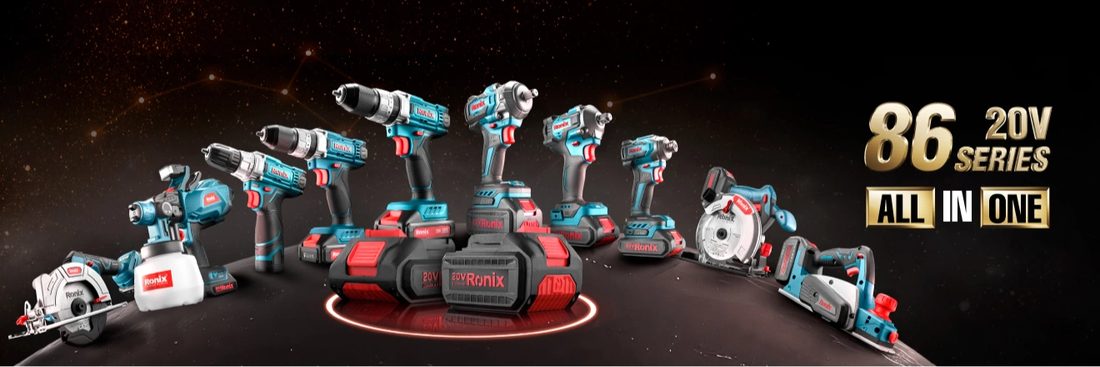
Ronix 86 series
Ronix 89 “All IN ONE” Series Comes with A Variety of Brushless, Cordless Tools, All Powered by One Lithium-Ion Battery.
Picture ratio
The banner is governed by its own tokens rather than by the frame:
product-line/Image-ratio/height - extra is
440 px against a 1320 px column — exactly 3:1.
Because it is a ratio and not a height, the CSS uses
aspect-ratio and lets the image cover. The banner never
letterboxes and never dictates the block’s height directly.
| Breakpoint | Column | Banner | Ratio |
|---|---|---|---|
| Large | 1320 | 1320 × 440 | 3.00 : 1 |
| 1140 | 1140 × 400 | 2.85 : 1 | |
| Medium | 960 | 960 × 340 | 2.82 : 1 |
| 720 | 720 × 250 | 2.88 : 1 |
Series information block
A fixed 204 px panel carrying the series name, a one-sentence description and a
single action. Padding is Padding/XX-Large on all sides.
Type
- Title — Title 3 in-container, 26/30 ExtraBold
- Subtitle — Subtitle 2, 18/22 SemiBold
- Action — the standard secondary button, 40 px tall
The subtitle is set in SemiBold, not Regular. At 18 px over a full column that is heavy for a descriptive sentence, but it is what the library specifies.
German Made Products
Ronix 89 “All IN ONE” Series Comes with A Variety of Brushless, Cordless Tools, All Powered by One Lithium-Ion Battery.
Series rail
The product-line-with-tablist variant inserts a horizontal
rail of series chips between the title and the banner, flanked by previous and next
controls.
Chips are Body 1 Strong with a 1 px stroke. The selected chip takes
Brand/Stroke/Compound and brand-red text — it does not
fill.
The rail scrolls rather than wraps. A wrapped rail would change the block’s height and push the banner down unpredictably.
Product Lines
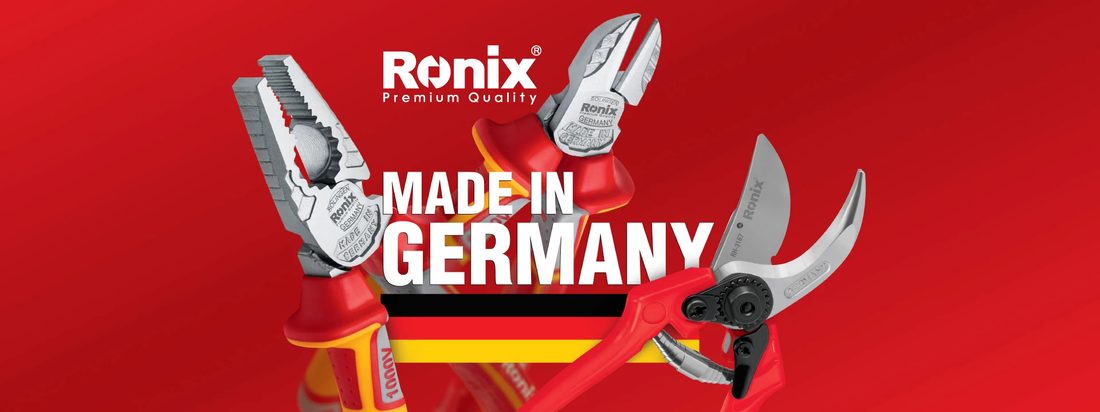
German Made Products
Ronix 89 “All IN ONE” Series Comes with A Variety of Brushless, Cordless Tools, All Powered by One Lithium-Ion Battery.
Tablist block
A separate component that lives on the same page: equal-width tabs over a text panel. It ships in six width variants — 1320, 1200, 992, 768, 576 and 358.
The underline
The underline uses Thick (2 px). The inactive rule runs the full width in
Stroke/1/Global/Hover (#d6d6d6); the selected tab
overpaints its segment in Brand/Stroke/2/Selected.
Tabs share the width equally rather than sizing to their labels, so the underline segments stay even.
The panel is Body 2 — 12/16, noticeably smaller than the 16 px body used elsewhere.
Responsive variants
The block grows taller as it narrows, because the panel text rewraps. Below 768 px the tabs stack vertically and the underline becomes a left-aligned rule.
| Variant | Width | Height |
|---|---|---|
| Property 1=1320 | 1320 | 196 |
| Property 1=1200 | 1140 | 196 |
| Property 1=992 | 960 | 218 |
| Property 1=768 | 720 | 240 |
| Property 1=576 | 540 | 172 |
| Property 1=358 | 326 | 216 |
Slider
The page also holds four prepared slides — slide-1 to
slide-4 — each a banner-wrapper plus a
series-information-block at 1140 px.
They are frames, not a component set, so there is no slider component to document. What exists is the content for one: four instances of the same structure, ready to be placed in a rail.
Slides 1–3 place the button inside the information wrapper at a 98 px offset; slide 4 places it outside at 130 px. That difference looks accidental.
Markup
The banner and information block share one rounded, clipped surface; the title sits outside it.
<section class="rx-product-line rx-product-line--extra">
  <h2 class="rx-product-line__title">Product Lines</h2>

  <div class="rx-product-line__main">
    <div class="rx-picture-ratio">
      <img src="86-series.jpg" alt="Ronix 86 series">
    </div>

    <div class="rx-series-info">
      <h3 class="rx-series-info__title">Ronix 86 series</h3>
      <p class="rx-series-info__subtitle">All in one series…</p>
      <div class="rx-series-info__actions">
        <a class="rx-btn rx-btn--secondary" href="/series/86">86 series</a>
      </div>
    </div>
  </div>
</section>